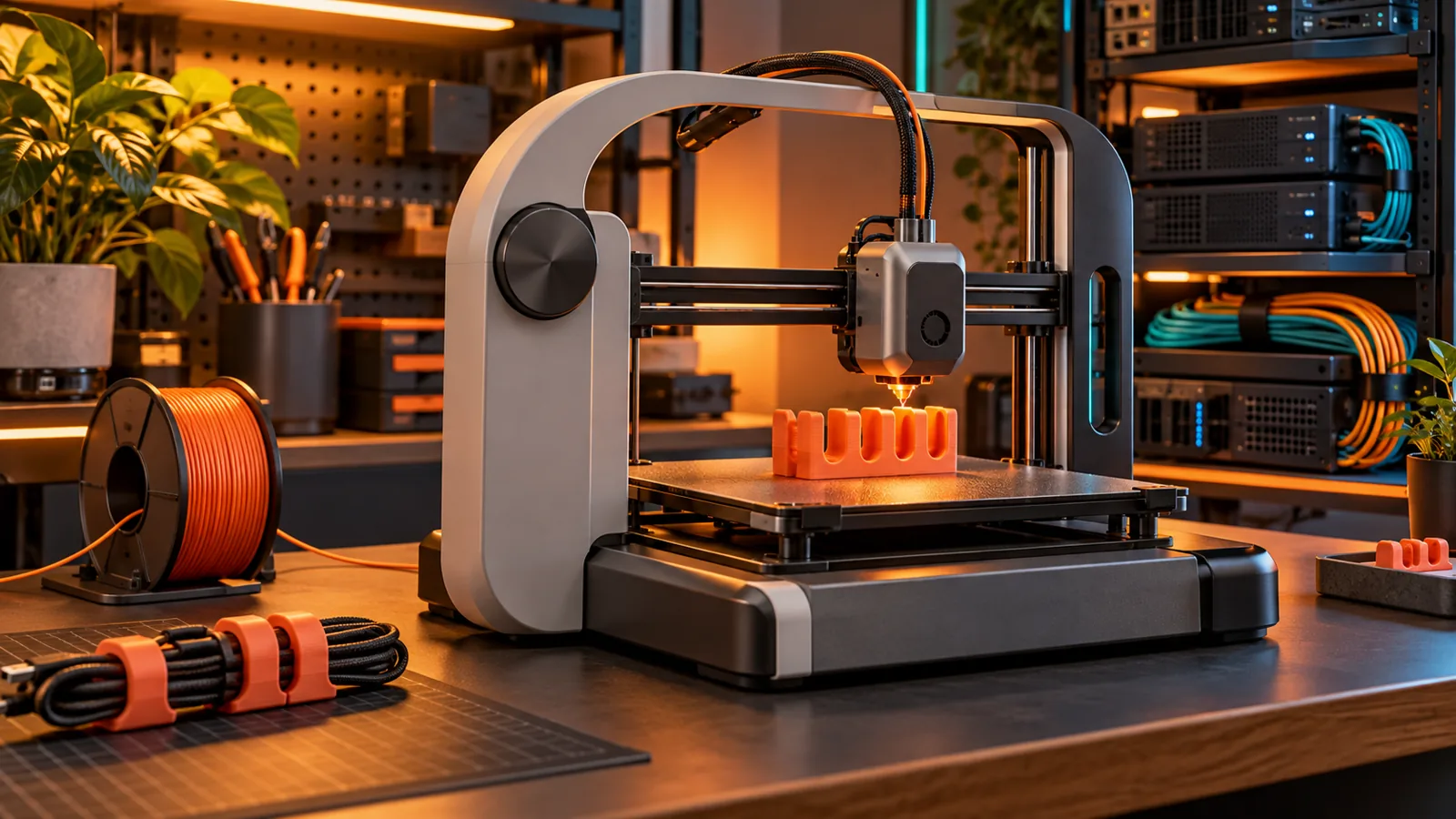
A cable guide that fits. A bracket with the holes in the right place. This corner of the lab covers printers, filament, local control and useful parts for the gear you love.
We earn a commission if you buy through our links — it doesn’t change our picks. How we make money →As an Amazon Associate I earn from qualifying purchases.
Start with the Bambu Lab A1 for PLA and PETG projects, choose an enclosed printer for ASA, or build a repair-friendly Prusa kit. Find the fit for your desk and your next part.
Popping nozzle? Stringy PETG? Choose a single- or multi-spool dryer, print from a dry box, and store your next colour with desiccant and a humidity card.
Keep Bambu Studio on your LAN, build a Klipper dashboard with Mainsail or Fluidd, or add OctoPrint to a compatible USB printer. Choose the route, then the Pi parts and camera.
Turn a spool into cable combs, vented Pi mounts and a patch panel that fits your mini rack. Pick the material, add reusable screw threads and leave the heavy lifting to metal shelves.
Pick PLA for cool indoor parts, PETG for everyday mounts, ASA for outdoor exposure and TPU for soft feet. Compare maker heat data before choosing the spool.
Choose a stable bench, plan source ventilation and room filtration, and measure the heater load before adding a UPS. Match the enclosure and safety gear to the printer.
Turn a bare radio board into a pocket node, a desk companion or a removable tray inside a weather box. Match the filament, battery clearance and antenna exit to the job.
Put progress, temperatures and a camera on one dashboard. Get a finish alert, flash a light and make optional plug-off wait until the printer has cooled.