HOMELAB DESK / ROOM FOR THE NEXT PROJECT
Less cable hunt.
More lab time.
A screen you can move. One keyboard for two machines. A dock that welcomes the laptop, and cables that stay out of your way. Build the desk around the jobs you actually do.
Sort your desk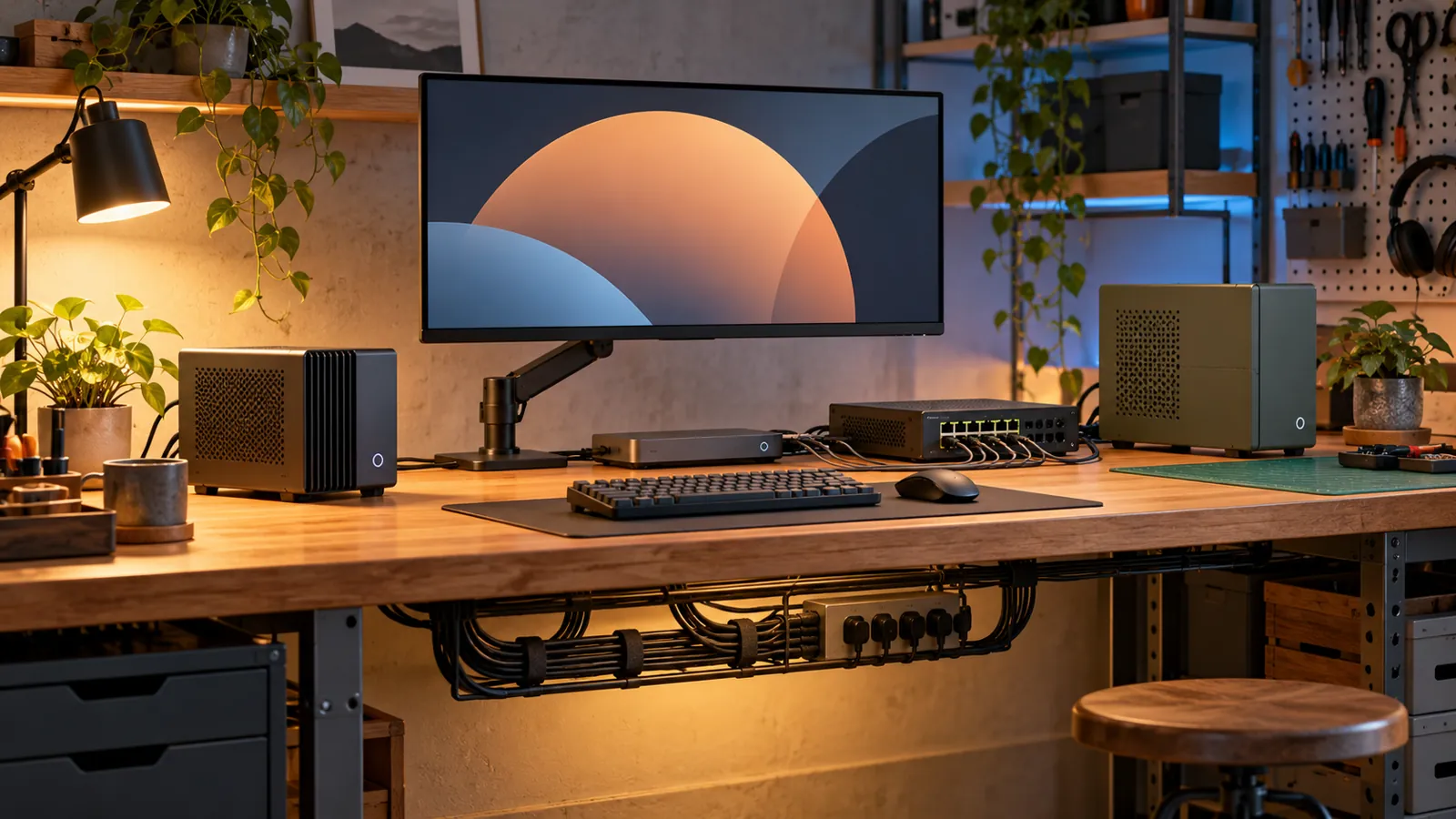
We earn a commission if you buy through our links — it doesn’t change our picks. How we make money → As an Amazon Associate I earn from qualifying purchases.
START HERE / GIVE EVERY CABLE A JOB
Homelab desk setup: monitor arm, KVM switch, USB-C dock and desk power
Choose seven useful pieces by connector, weight and desk fit. Follow a two-machine wiring plan, keep the recovery screen simple and make the cable pile disappear underneath.
Choose the parts and follow the wiring plan →
Monitor-arm pick: Ergotron LX monitor arm, 45-241-224 matte black. Lift a compatible monitor off the desk and leave room for the next small project.
Check price on Amazon →ONE KEYBOARD / YOUR CHOICE OF COMPUTER
Choose the KVM that fits your ports.
Two HDMI mini PCs, dual DisplayPort desktops, a USB-C laptop or a four-machine cluster: pick by the connectors you have, then count every cable.
MORE ROOM / FEWER WINDOW SHUFFLES
Choose a screen for the job.
QHD for the everyday lab, 4K for crisp reference pages, ultrawide for side-by-side work or a portrait screen for logs. Match the inputs, scaling and monitor arm before you rearrange the desk.
GIVE THE DESK A SOUNDTRACK
Choose your desk speakers by connection.
USB audio for a small desk, analogue inputs for a dock or streamer, and controls you can reach without leaving your work.
THE BOXES BEHIND THE SCREEN
Give the desk something to do.
Choose a small host
Match the CPU, memory and network ports to the job, then leave room to reach the connectors.
Plan a Pi 5 build
Pick the board, proper power supply, cooling, NVMe storage and case as one useful stack.
Keep a rescue screen
When a headless box needs a local display, a portable HDMI panel saves a trip behind the main monitor.
COMING NEXT / KEEP A LITTLE SPACE FREE
Make it your workbench.
A desk you can troubleshoot
Leave reachable ports, a spare cable and a place for the next little box.
All homelab desk guides → Visit the electronics bench → The rest of the lab →